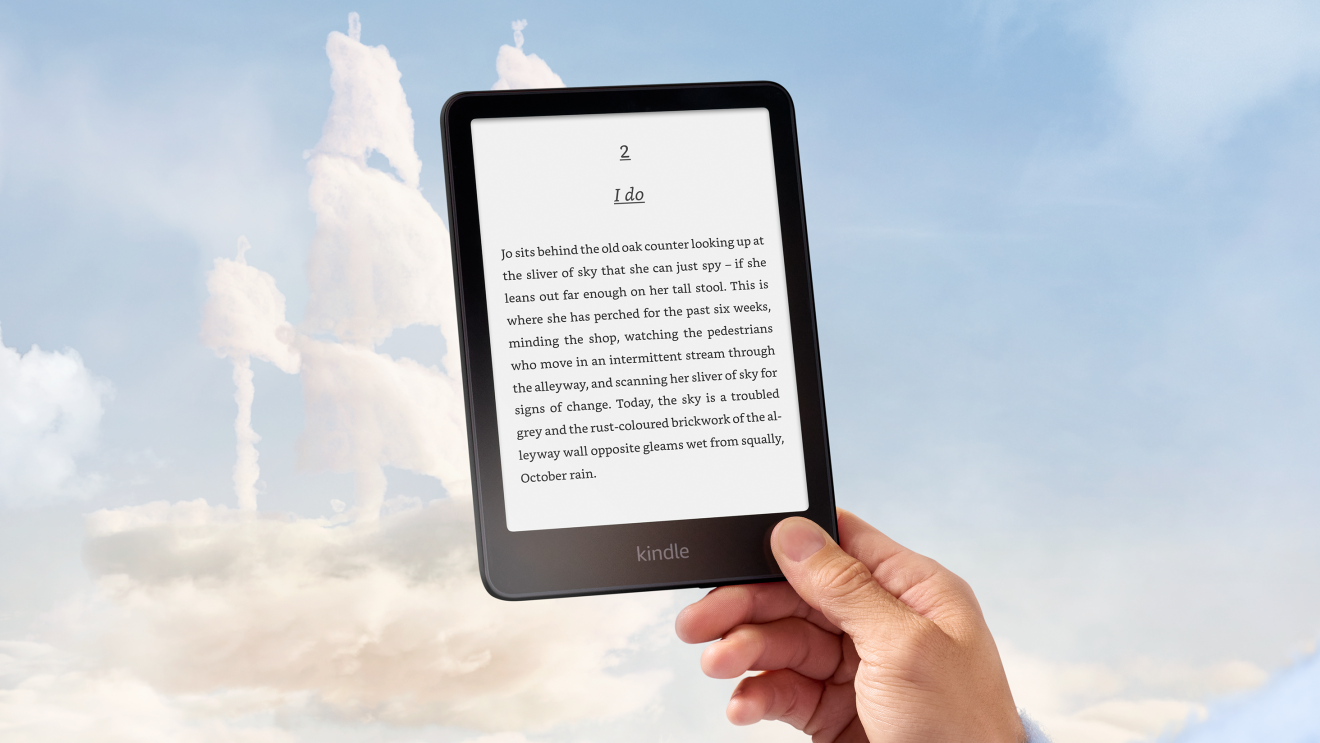
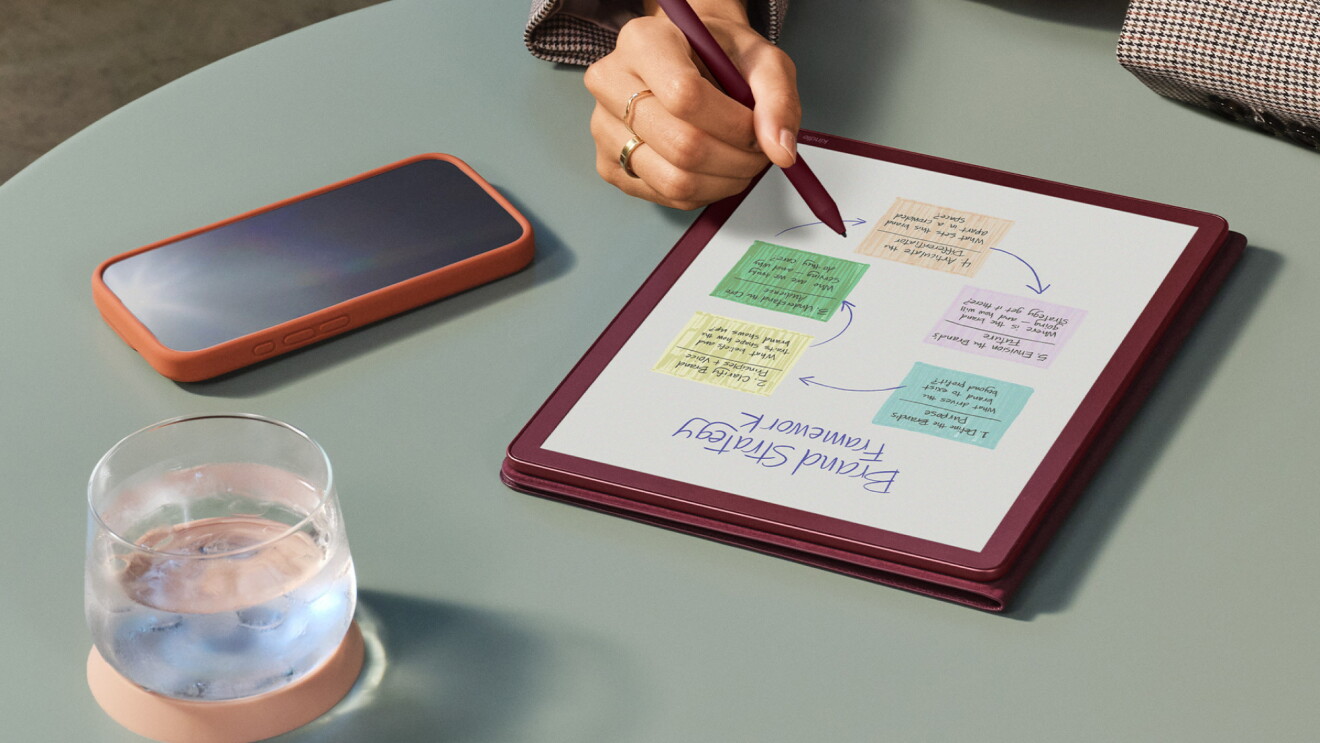
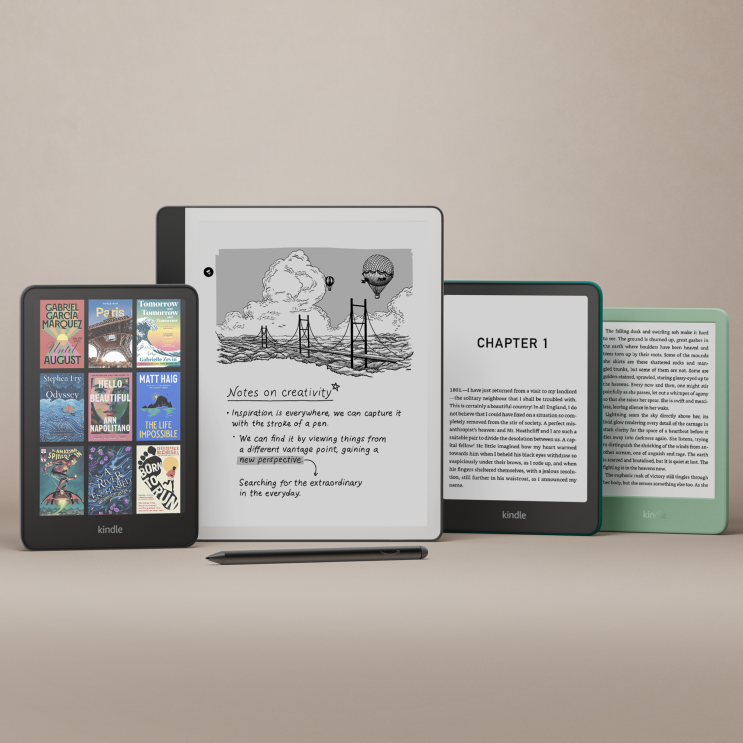
The written word isn’t dead—far from it. A veritable army of Kindle fans are on hand to tell you that books of every variety are as popular today as ever; it’s just that you might not see as many packed bookshelves in people’s living rooms because an entire library now fits in the palm of your hand.
But e-readers can do more than just store your library in a compact way. If you've been gifted a new Kindle for Christmas, you might be surprised to learn some of the interesting things it can also do.
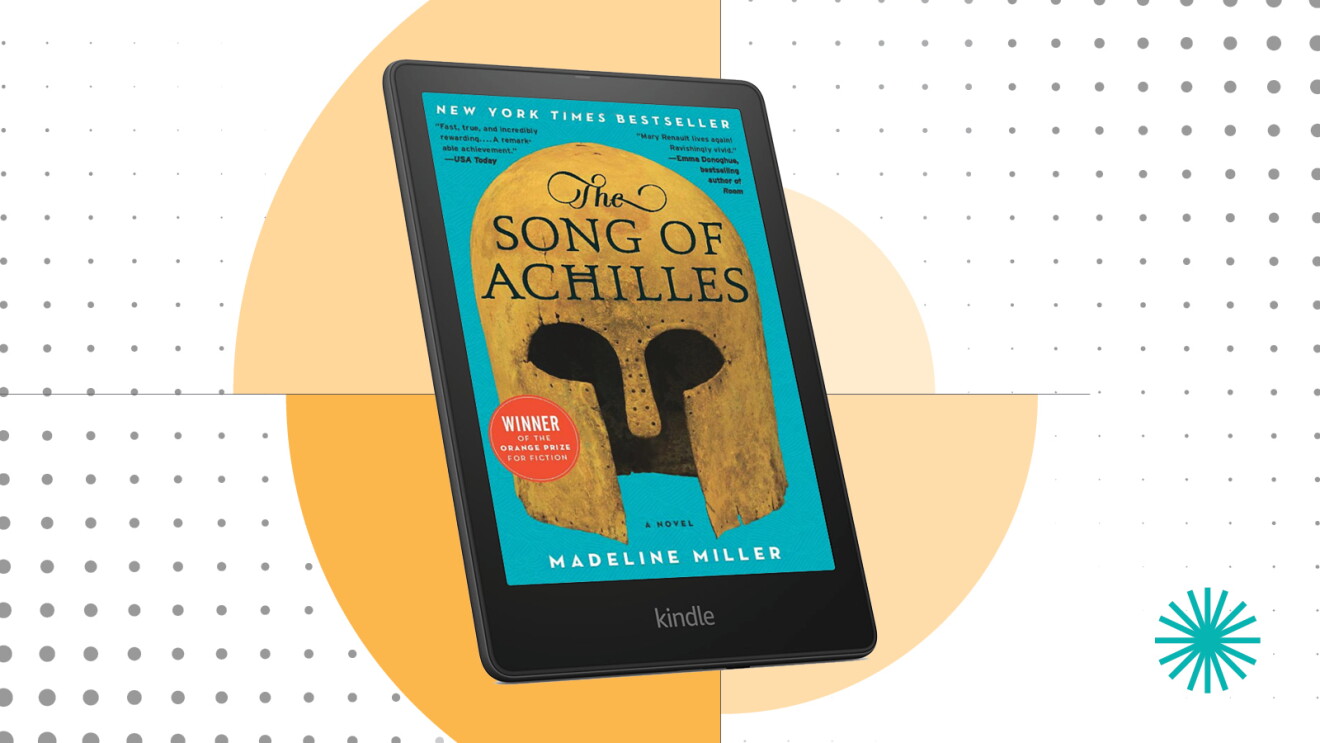
Below are seven of the coolest things you can do with a Kindle that you may not know about.
Page overview
Get free books from Amazon
1
Get free books from Amazon
2
Take screenshots
3
Organise your books with Collections
4
Send documents to your Kindle
5
Export all your notes and highlighted text
6
Share books with your partner and kids
7
Enable dark mode
1.
Get free books from Amazon
If you’re an Amazon Prime member, you can browse the rotating selection of thousands of books on tap at Prime Reading, available exclusively for Prime members. Much like a library, you can have up to ten eBooks checked out at any one time, but there are no time limits on how long you can hold on to them.
2.
Take screenshots
Few people know that you can take screenshots on your Kindle. On current models, you can just tap opposing corners of the screen simultaneously (like the upper right and lower left or the upper left and lower right). The screen should flash, and the screenshot is saved. To retrieve the screenshot, connect your Kindle to a computer using USB, and copy the file.

3.
Organise your books with Collections
Voracious readers can accumulate a lot of books on their Kindle. If that sounds like you, the good news is that you can organise your titles into Collections. To create a Collection, go to the Home screen, tap Create a Collection, and give it a name. Then you can open your library, tap and hold on a book, and choose Add to/remove from Collection to file the book there. Once you have sorted your books into collections, you can view your library by collections to find things much more easily.

4.
Send documents to your Kindle
You can send documents to your Kindle device and read them on the go in between moments with your latest novel. Most of the time, the easiest way to do this is to use the Send to Kindle website—just drag your file to the page and it’ll automatically be sent to your Kindle. You can upload common file formats like PDFs, Microsoft Word, TXT, JPGs, and more, with a max file size of 200MB.
5.
Export all your notes and highlighted text
You probably know that you can highlight text and even leave notes in books as you read them. But what you might not realise is that you can export all those notes to your computer. Open the book with your personalised notes, tap the three-dot menu at the top right, and choose Notes & Highlights. Tap the Notes & Highlights tab and then use the Export Notes button at the bottom of the screen to send everything to you in a convenient email message.
6.
Share books with your partner and kids
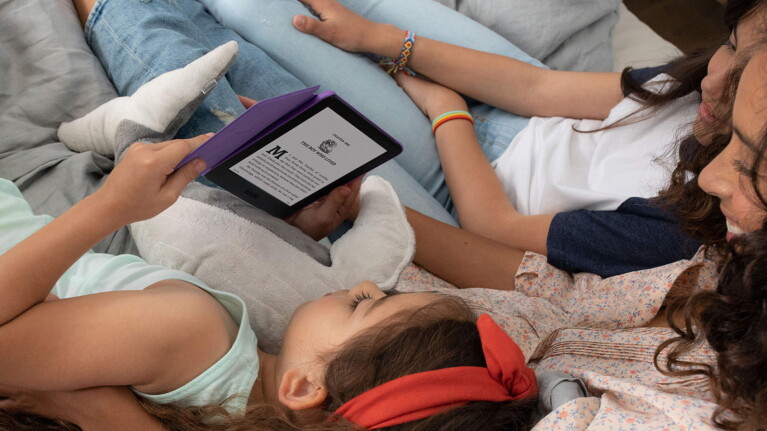
Love a book? You don’t have to keep it to yourself. Amazon Household is a program that lets you share various aspects of your Amazon account with other people in your home, and that includes Kindle books, which your family can all be reading at the same time.
7.
Enable dark mode
Many apps and devices now offer dark mode, which darkens the background to make the screen easier on the eyes. For many people, it’s a popular choice in the evening hours to help get ready for bed, and your Kindle is equipped with its own dark mode as well. In fact, some people simply enable the white-text-on-black-background all the time. To try it for yourself, just swipe down from the top of the screen to open the Quick Actions panel, tap Dark Mode and you’re done.
Next, check out all the best free eBooks available with your Amazon Prime membership.