Key takeaways
- Add to Delivery is now available to Prime members using the Amazon Shopping app or Amazon.co.uk on mobile devices.
- In just a few clicks, members can instantly add eligible items from across Amazon—from kitchen staples and pet toys to electronics, clothing, and more—to upcoming deliveries.
- It’s an easy, new and convenient way to include new items to an existing delivery for last-minute additions.
We’ve all been there. You place an Amazon order, then realise there’s something else you need—paper towels, dog treats, that book you meant to grab, a birthday card, or your favorite snacks. And ideally, you’d like it delivered with your existing order.
Now, you can do just that.
Introducing Add to Delivery, a new Prime feature that makes it incredibly simple to add eligible items to an upcoming delivery after placing an order. Just find what you need, tap the "Add to Delivery" button, confirm your order, and your item will be added to your upcoming delivery automatically.
How does Add to Delivery work?
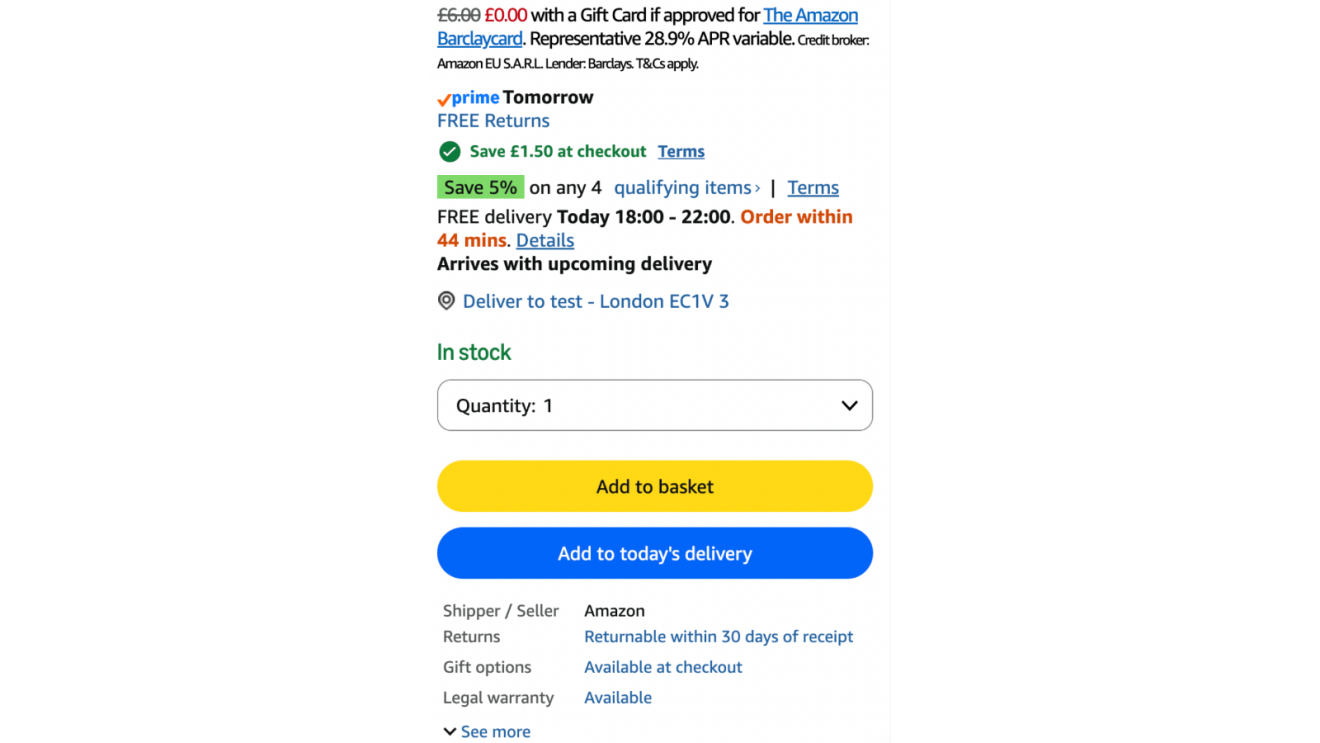
Eligible items will show a blue "Add to Delivery" button on their product detail page and in search results. This option is available on the Amazon Shopping app or Amazon.co.uk on mobile devices.
When you tap the button and confirm your order, the item is added to your upcoming delivery. If you change your mind right away, you'll see an “Undo” option to remove the item immediately.
The feature is designed to give customers greater flexibility throughout their shopping journey and facilitate “building a delivery” instead of just “building a cart”.
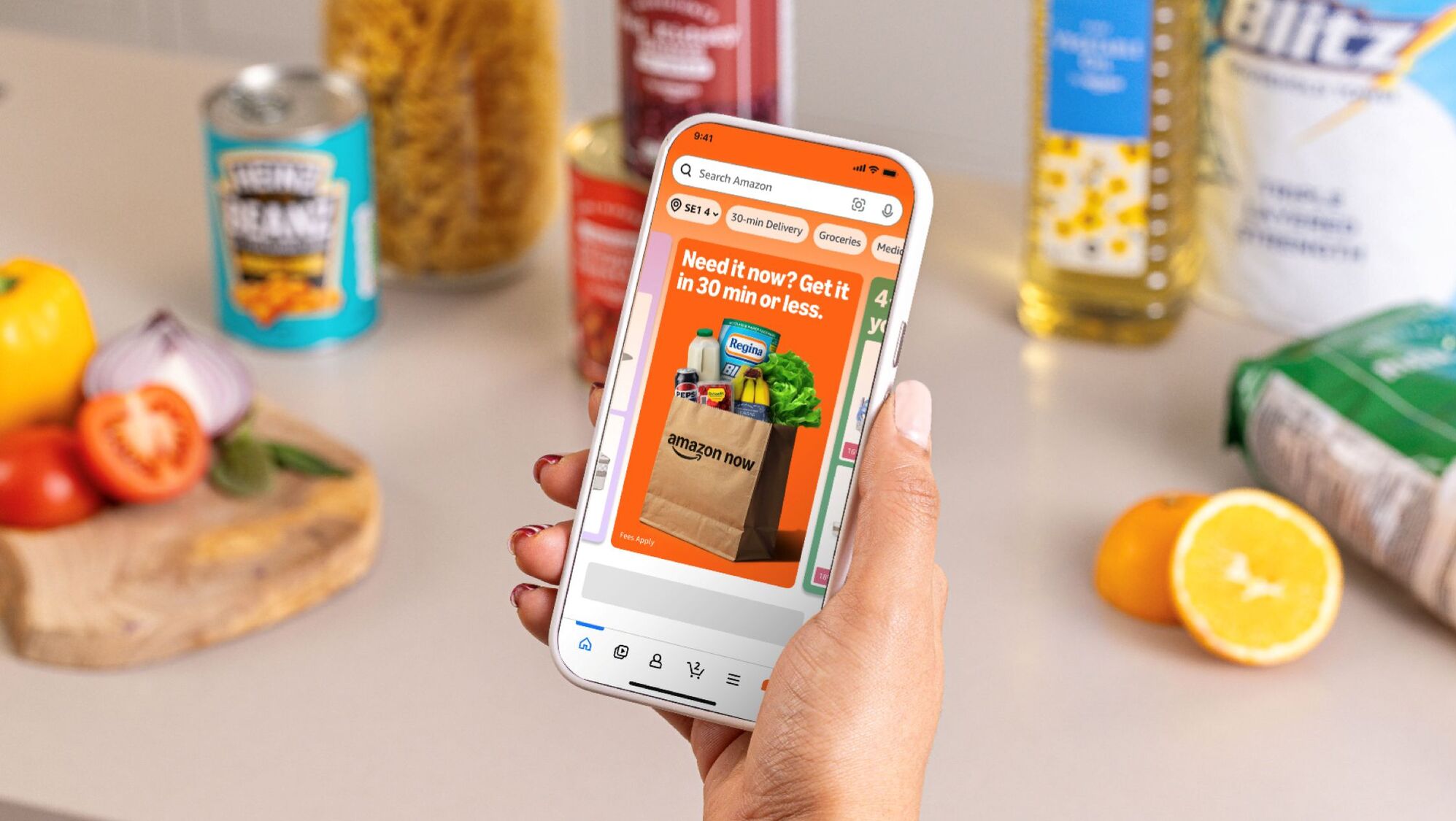
How will Add to Delivery save me time?
Add to Delivery makes shopping with Amazon even more convenient. When you realise there’s something else you need, you can quickly add it to your next order. With this feature, Amazon is adapting to how people actually shop: one need at a time, as they arise.
If we can still add an item to a delivery that’s arriving later that same-day or the day after, you’ll see the Add to Delivery option as you shop, and with just a few clicks, you’ll be done.
Do I have the Add to Delivery feature?
Add to Delivery is now available in the UK. In the Amazon Shopping app or on Amazon.co.uk on your mobile device, you’ll see the blue Add to Delivery button appear on the detail page and in search results for eligible items.
Add to Delivery will gradually be rolling out to more customers in the coming weeks.
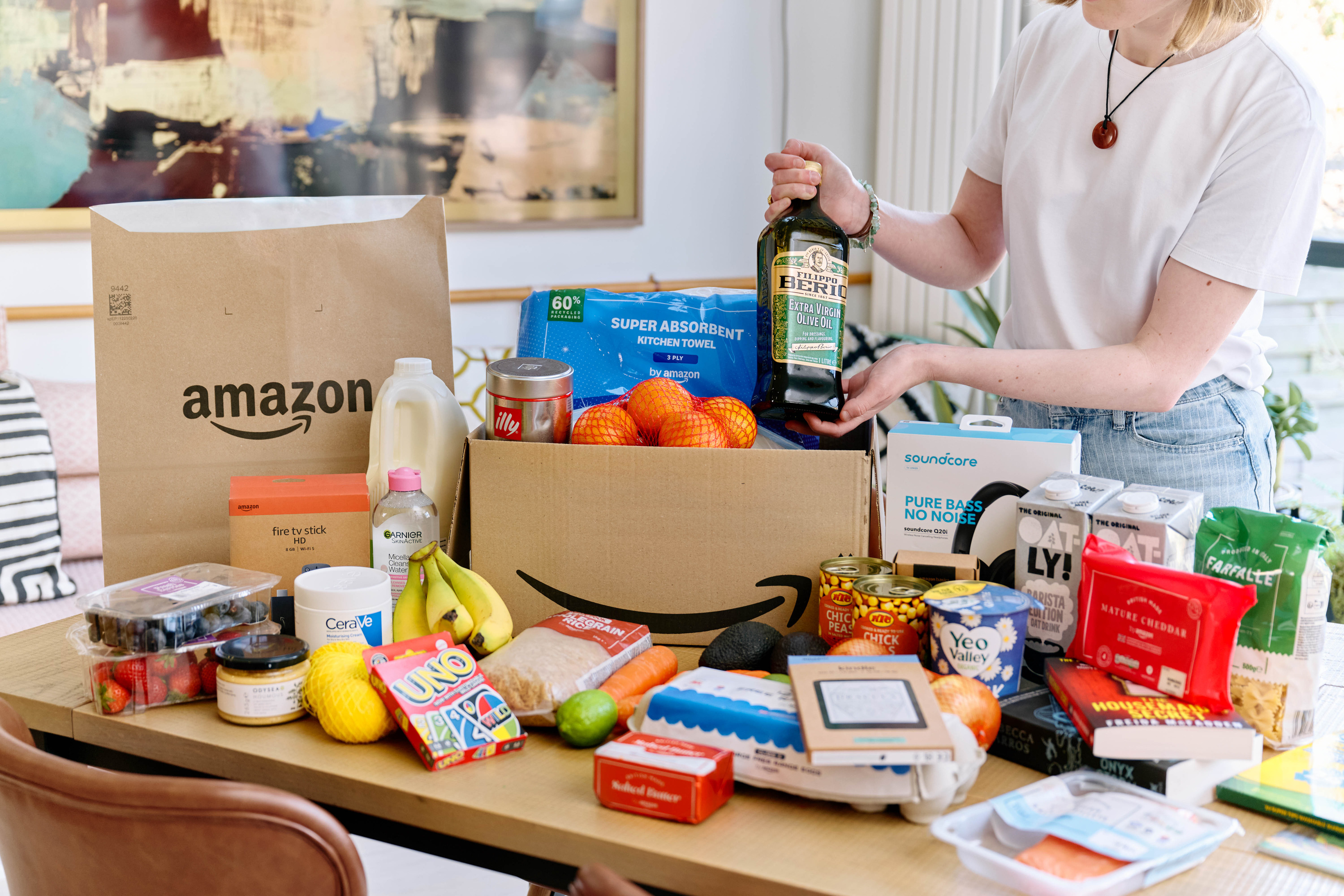
Not a Prime member?
Join Prime today to unlock Add to Delivery and a whole suite of benefits, including fast, free delivery, streaming, exclusive savings, award-winning entertainment, and more.
Prime membership is available for £8.99/month or £95/year, with a 30-day free trial for eligible customers. And if you're aged 18–24, you can get Prime at a discounted rate. Learn more.