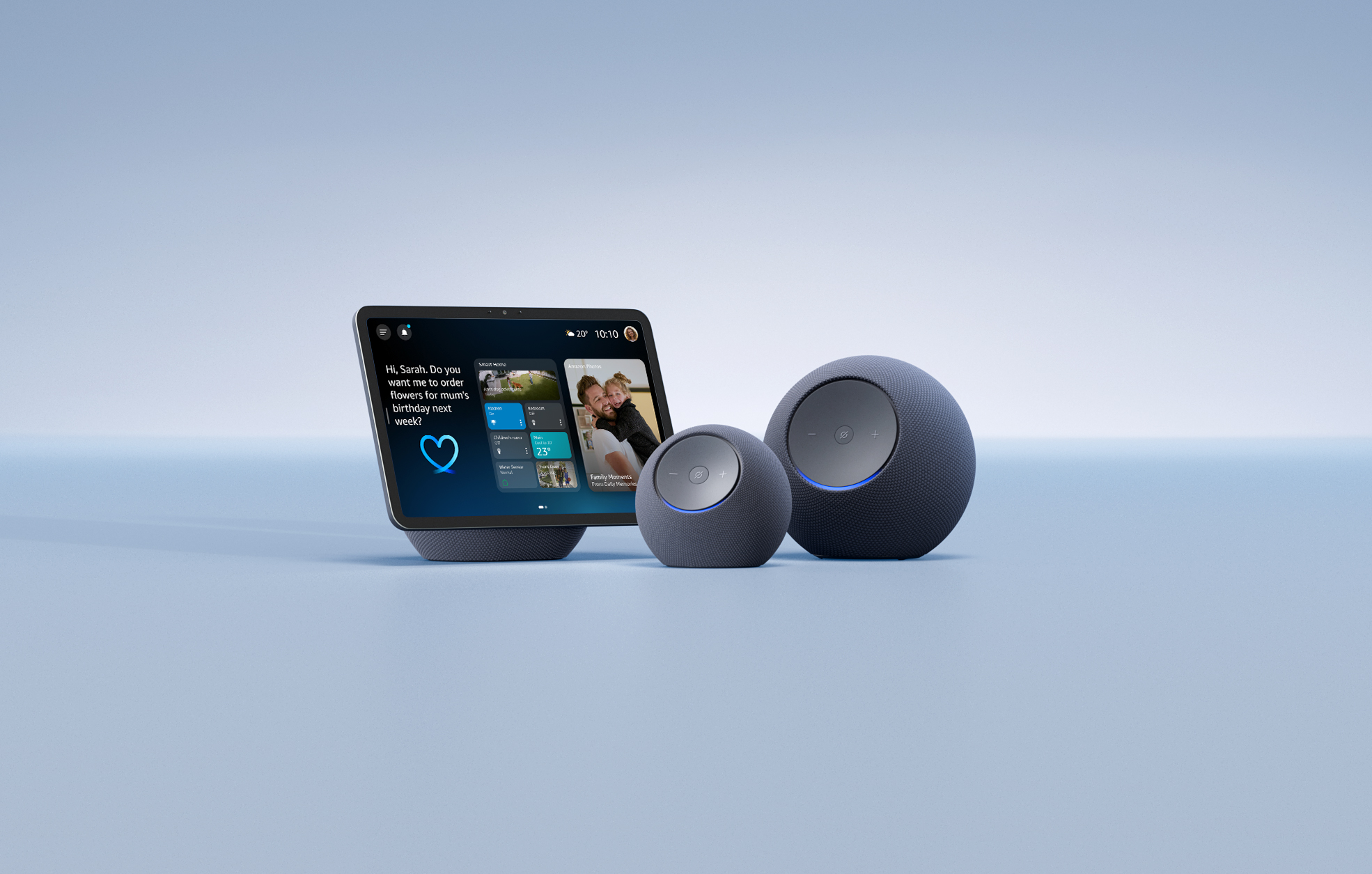
Ready to meet the new Alexa?
Powered by generative AI, Alexa+ is smarter, more conversational, and capable than before, and we’re excited to introduce it to the UK. Available now in Early Access, Alexa+ is built to feel genuinely British: it knows what a 'cuppa' is, understands when you say you're 'proper tired' or 'it's a bit nippy', and might even drop a 'Bob's your uncle' when it’s sorted something on your behalf.
Below are 30 things to try, covering conversation, information, entertainment, daily organisation, smart home control, and features for the whole family. Think of this as your starting point. Try a few, explore further, and make Alexa+ your own.
Conversation like never before

1. Have more natural conversations. Just say "Alexa" once and speak naturally. No need to repeat the wake word for follow-up questions or to change the subject. It's like chatting with a friend.
2. Explore virtually any topic. Ask about whatever comes to mind, history, football stats, pop culture references, and film recommendations. Say "Alexa, what should I watch if I loved Peaky Blinders?" and it'll provide recommendations.
3. Stay informed in real time. Get news and updates from trusted British sources including The Guardian, Reach, Press Association, and Future Publishing.
4. Ask Alexa+ to remember what matters. Alexa+ has an incredible memory. Tell it your frequent flyer number, a favourite local restaurant, that book a friend recommended or that your partner is pescatarian, and Alexa will use it to give you more relevant answers.
5. Pull information from important documents. Upload school schedules, instruction manuals for a new appliance, images of handwritten recipes, study materials and more via the Alexa app. Then simply ask Alexa for the most relevant information like when winter term starts up again or what to do when your dishwasher light is blinking red and you’ll get the answer.
Your life organised, wherever you are

6. Let Alexa+ manage your schedule. Ask to summarise your calendar or add events. Just say, "Alexa, add date night on Thursday, 7pm to my calendar" or "block Sunday mornings for some me time."
7. Send emails by voice. Hands full? Dictate a message, adjust the tone ("make it more formal" or "add a friendly sign-off"), and send it without touching your phone. Brilliant when you’re multi-tasking.
8. Create fun announcements for your household. Add a little humour to your daily life with personalised Alexa+ announcements. Just tell Alexa that dinner is about to hit the table and sit back as it conveys the message in a fun and quirky way the whole family is sure to enjoy.
9. Target specific rooms. Send an announcement just to the kids' play room or kitchen without disturbing the whole house.
10. Take Alexa+ with you. Start a conversation on your Echo Show at home and pick it up later in the Alexa app on your phone. Alexa+ keeps the context, so it feels like one continuous conversation.
Entertainment that gets you

11. Discover music through conversation. Can't remember the name of that song? Try describing it, the vibe, or just a lyric and Alexa will give you the answer. Or ask Alexa to play Olivia Dean's latest song, then ask if she's touring near you, once Alexa responds the music resumes.
12. Set the mood with a playlist. Ask for "songs that feel like a Sunday morning in a British pub" or "top British artists right now." Alexa builds a queue around what you want and can play it right away. No switching apps or manual searches.
13. Follow your favourite artists. Stay up to date across new releases, tour dates, and ticket alerts for gigs across the UK.
14. Get recommendations for films and books. Tell Alexa what you're in the mood for: "a feel-good British comedy" or "a short thriller to read this weekend." It'll suggest something that actually fits.
15. Find podcasts by episode or guest. "Play the latest episode of The Rest is History I haven't heard yet", no scrolling required.
16. Move music around your home. Say "play this everywhere, but don’t wake the kids" or "move it to the living room" and Alexa understands spatial references and remembers where your content is without you needing to know device names.
17. Enjoy personalised streaming picks. Ask for content ideas across your streaming services. Alexa groups suggestions into descriptive categories so you spend less time searching and more time watching.
18. Real time radio intel: Like the song that’s playing on live radio? Simply ask Alexa what the song is, who the artist is, or if they’re touring any time soon.
Easily manage your smart home

19. Create Routines with your voice. With Alexa+, you can now set up complex Routines with a simple voice request, no app needed. Just say: "Every morning at 7:30, start the coffee, check if I need an umbrella, and play the news." What could have taken 20 taps is now speedy.
20. Set personalised reminders for your family. Ask Alexa+ to set personalised reminders based on your family members, so the message to let the dog out or that you’re heading home early today is relayed when Alexa+ recognizes them via Visual ID.
21. Create seasonal or monthly Routines. Ask Alexa to offer new recipes to try at the start of each month, to let you know whether you need an umbrella each morning based on the weather, or to turn down the thermostat when it’s over 30 degrees outside. Schedule household reminders, seasonal tasks, or activity ideas triggered by sunrise, sunset, or the start of each month.
22. Control your home naturally. Say "it's too hot in here" and Alexa adjusts the temperature. Say "make it cosy" and Alexa dims the lights and sets the mood. No need to specify which device, what room, or exactly what needs to be done as Alexa is able to infer what you’re looking for and complete the task.
23. Personalise Routines for each family member. Create specialised Routines for any member of your family. With voice ID, you can set it up so when your partner says "good morning," their favourite playlist starts and their preferred news comes on, without affecting yours.
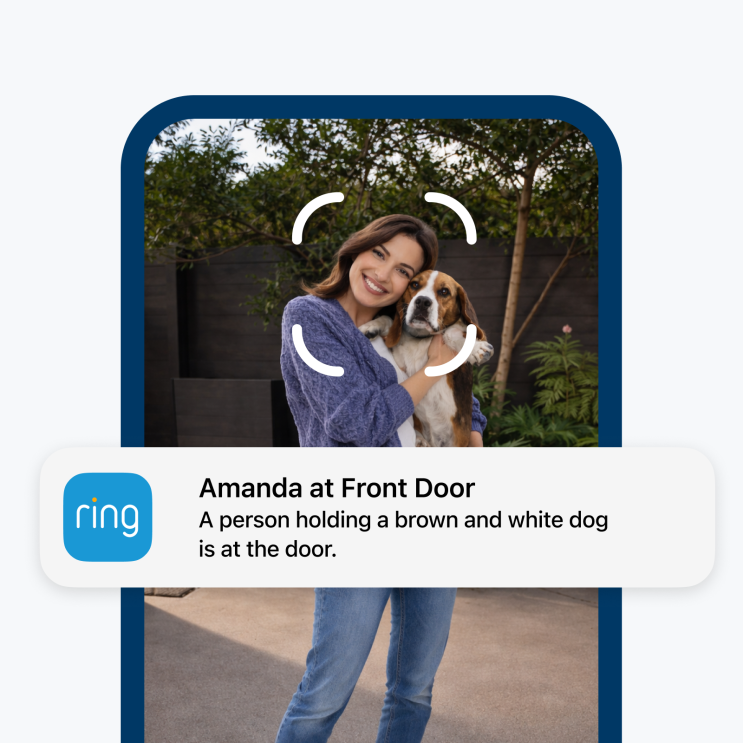
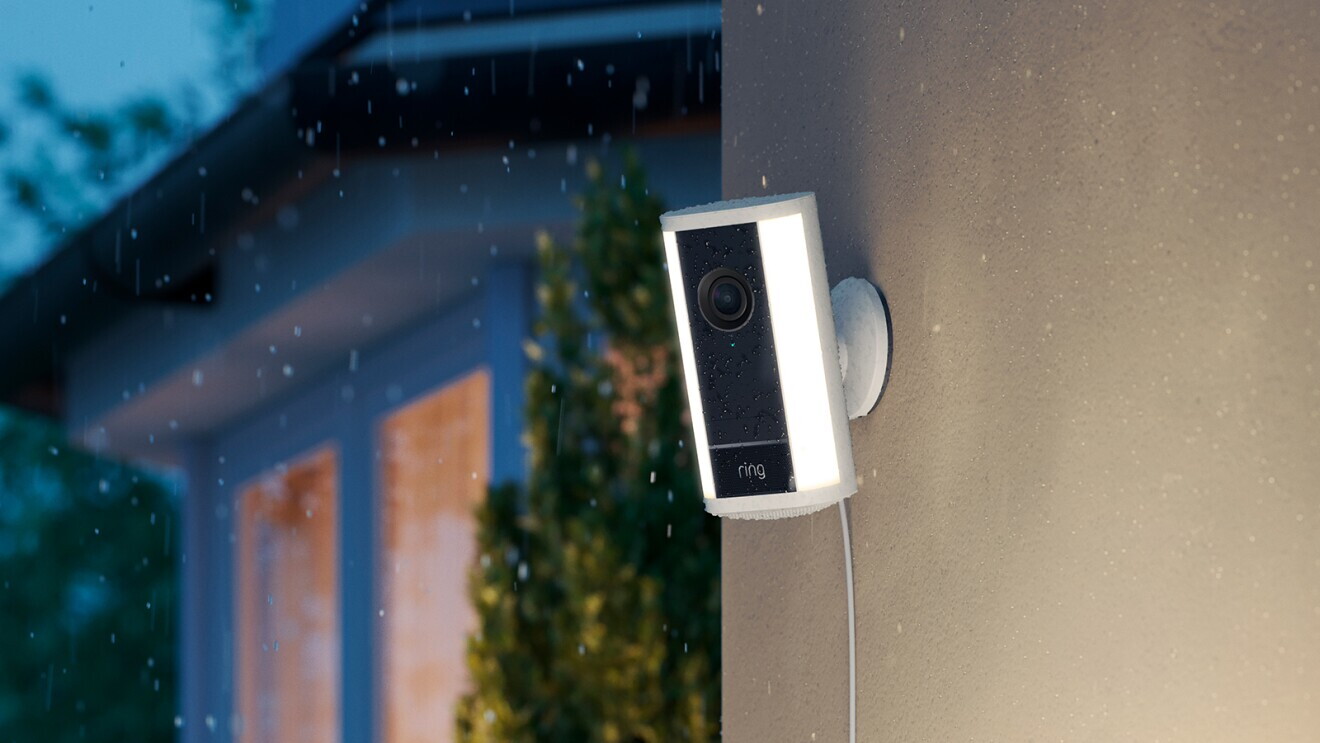
24. See what happened while you were out. Coming soon, you can connect your Ring cameras and ask Alexa to show you a summary of the day: package deliveries, visitors, whether the bins went out. Alexa will analyse the footage rather than just surfacing timestamps.
Handle daily tasks with ease

25. Get personalised recipe ideas. Tell Alexa your dietary preferences and what you've got to hand and Alexa will suggest recipes, offer substitutions, and add missing ingredients to your shopping list in one go.
26. Keep track of the important things. Share school newsletters or upload a recipe, via the Alexa app or by emailing it to alexa@alexa.com and Alexa will have the important information. So you can ask for that recipe later, get the ingredient list, and add everything to your shopping list. Or check if any important dates in your calendar clash with school outings.
27. Book dinner reservations. Through OpenTable, Alexa can easily find availability, book your favourite spot, and add the reservation to your calendar.
28. Easily discover items you’re looking for: Simply ask Alexa for what you’re looking for, and it’ll pull up top results from Amazon.co.uk. Conversationally refine your search, ask for customer reviews, or ask product detail questions like how long the battery life is, if it’s waterproof, or if it can be used with international outlets.
29. Never miss a deal. Ask Alexa about products you've had your eye on, track prices, and get notified. Or ask her to complete the purchase the moment it drops and deliver it to your home.
30. Find the perfect gift. Tell Alexa who you're buying for and what they like and it will suggest ideas and place your order on Amazon.co.uk, with delivery in time for the occasion.
How do I get Alexa+?

Alexa+ is free for Prime members in the UK
During Early Access, Alexa+ is free. After Early Access, it will be £19.99 monthly, but free for all Prime members, joining benefits like fast delivery, Prime Video, Amazon Music Prime, Exclusive Prime Shopping Events like Prime Day, Amazon Luna, Reading with Prime and more.
Alexa+ Early Access rolls out in the UK. Purchase a new eligible Echo device for immediate access, or sign up at www.amazon.co.uk/newalexa if you already own eligible devices.
The all-new Echo Show 8, Echo Show 11, Echo Dot Max, and Echo Studio are purpose-built for Alexa+, delivering more processing power, memory, and edge-based computing with next-generation sensors.
Not all features are available on all devices. Some Ring features require an active Ring subscription. Alexa+ is not available on certain older Echo generations.
Stories we think you’ll like