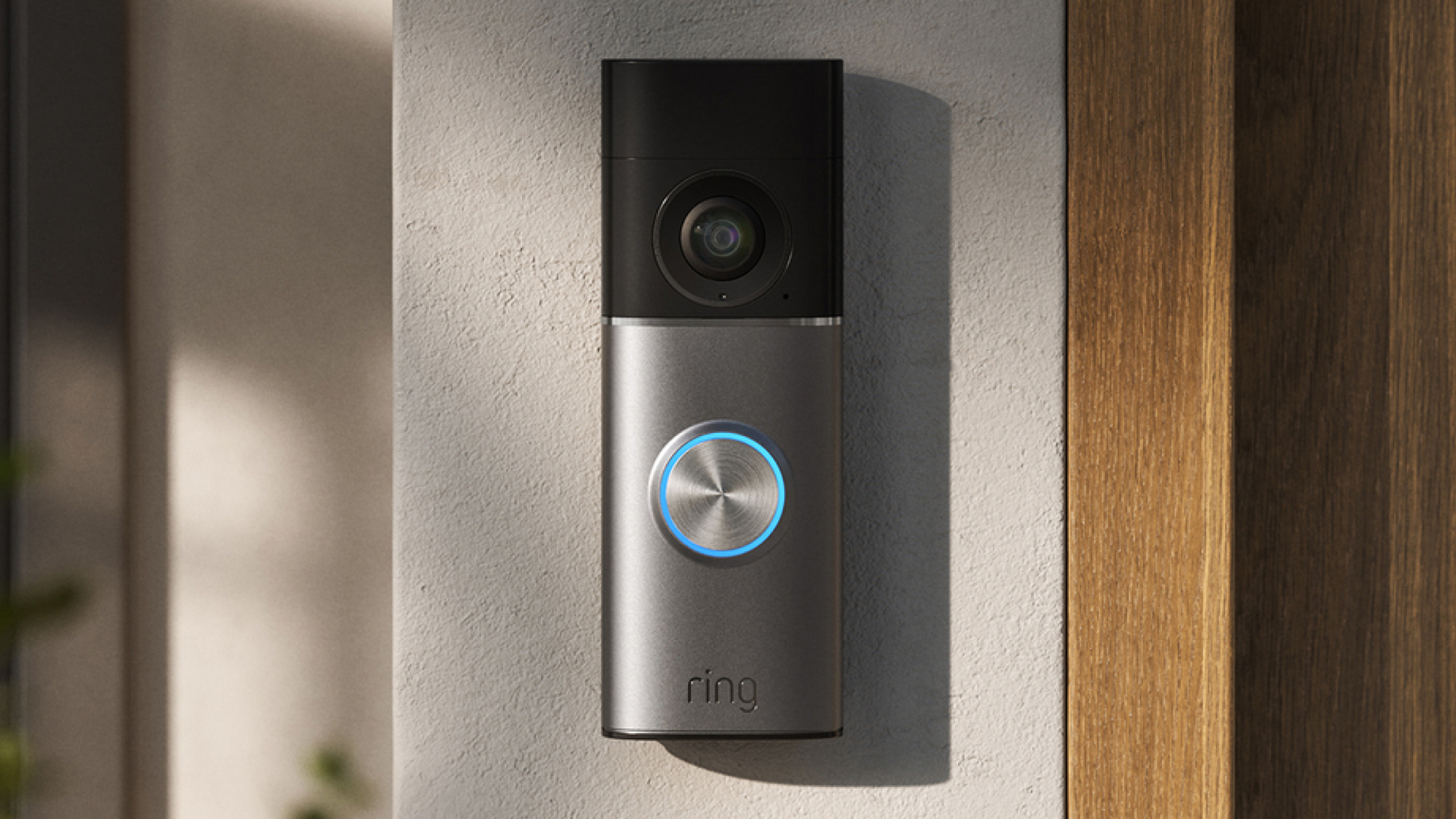
Your front door is one of the busiest places in your home—whether it's family members coming and going, friends visiting, or your dog walker stopping by while you’re at work. It's a constant stream of activity, yet it can be hard to keep track of who's actually there, especially when you're away or in another room.
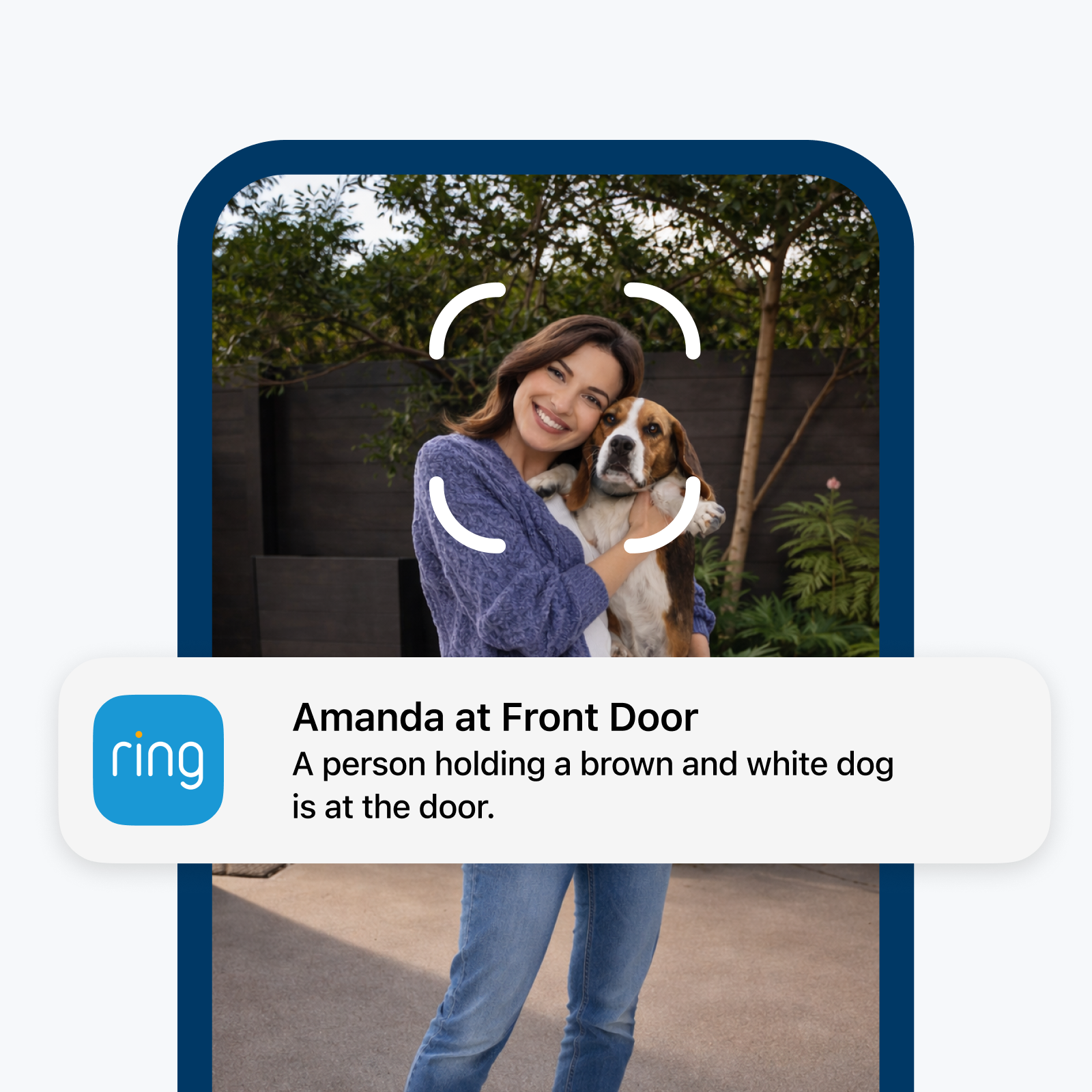
Wouldn’t it be helpful if, instead of getting a generic “A person is at your door” alert, you received a personalised notification like “Mum at Front Door,” without even needing to open the app? That’s why Ring is introducing Familiar Faces, a new and optional feature that quickly helps you identify people you know when they appear at your door. Today, we're excited to share that Familiar Faces is now rolling out to Ring 2K, 4K, and select HD device owners in the UK.
How Familiar Faces Works
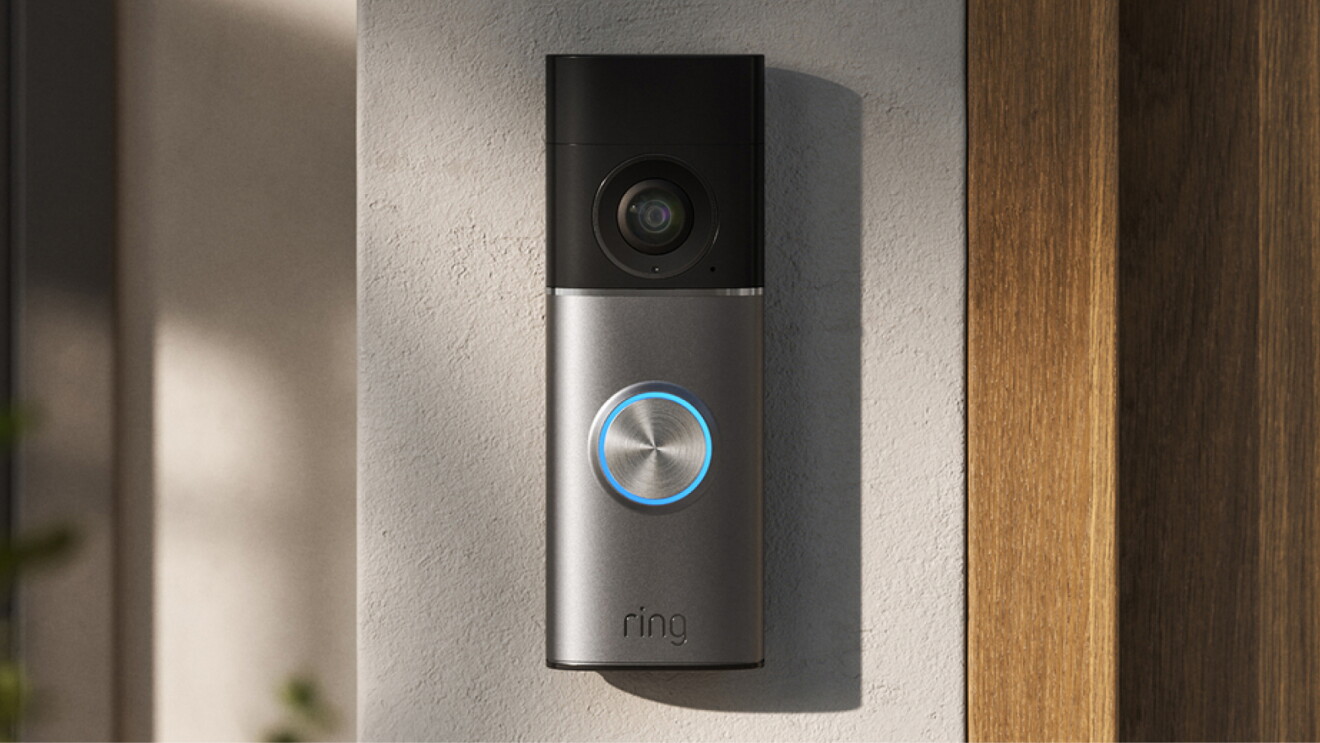
Familiar Faces is a new, opt-in feature designed to help you quickly and easily identify the people you regularly see at your door. The feature allows you to personalise alerts, like turning off notifications for your own comings and goings, while staying informed about visitors. This helps reduce notification fatigue and gives users more useful context about who is detected, eliminating guesswork and making it effortless to find and review important moments.
For example, knowing right away when your teenager arrives home from school, without having to check in or wait to hear from them. When you set up Familiar Faces, Ring provides important information to help you use the feature properly and responsibly—including notifications in the Ring app and information on getting explicit consent from visitors as might be required by applicable laws.
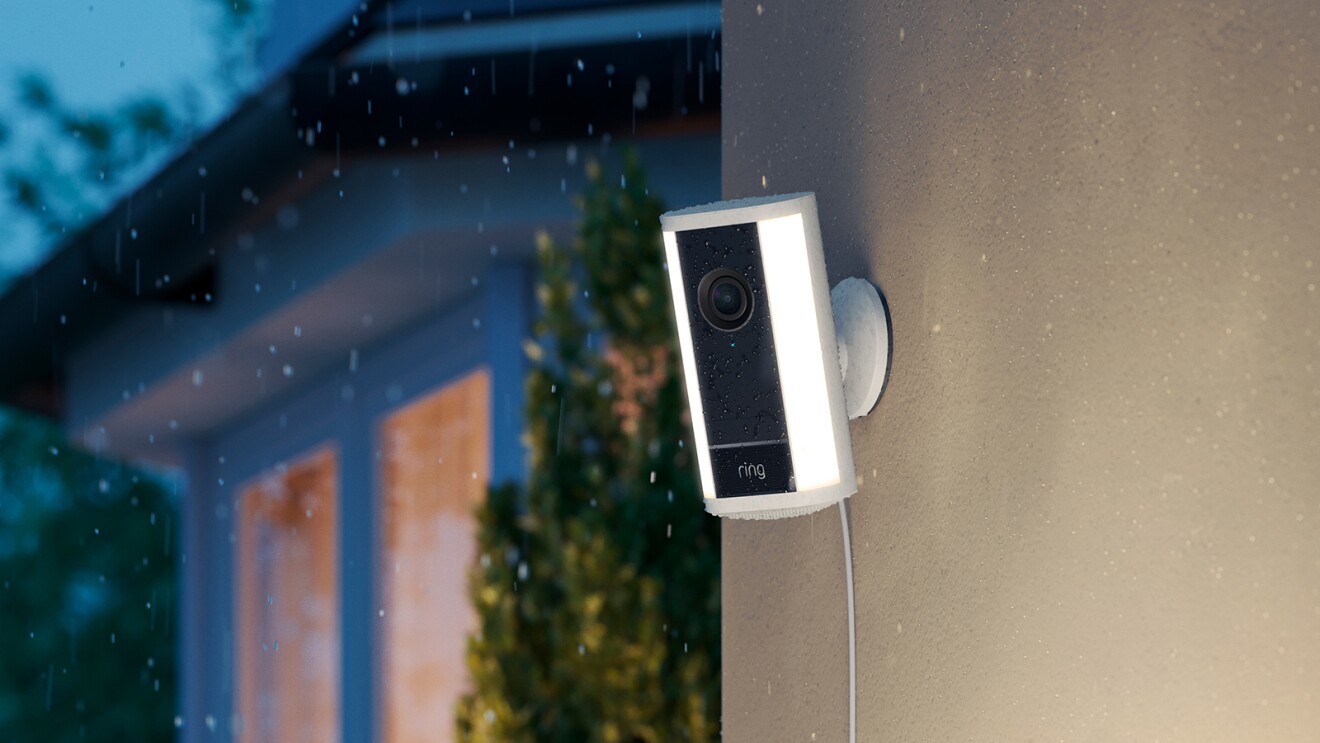
When you turn on the feature, your compatible devices will begin detecting faces when people approach your camera, and you can label people you recognise in the Ring app. You can create a personal directory of up to 50 familiar faces, from family members and neighbours to your babysitter or dog walker. The feature gives you more personalised notifications and is a game-changing way to keep you informed of who’s stopping by, especially if you can’t be there to greet them.
Getting Started
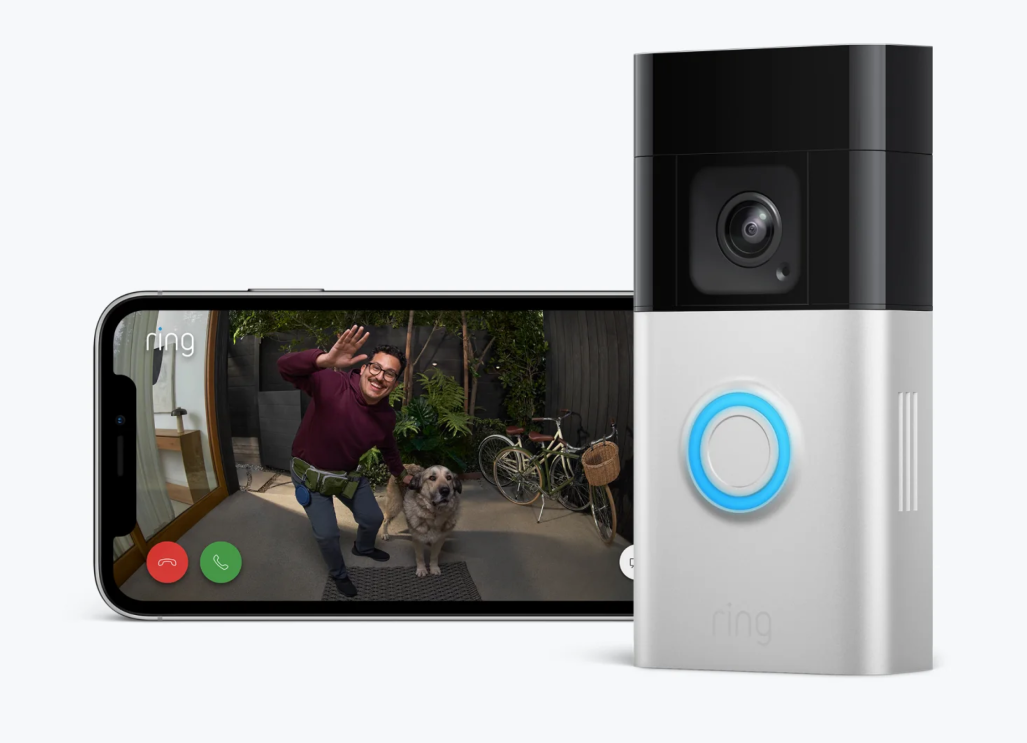
Familiar Faces is an opt-in feature, so you’ll need to turn it on in your Ring app settings before using it. Once enabled, head to your Familiar Faces library to start building your personal directory:
- Add people easily: label them directly from your Event History or from within the library itself. Once named, that’s how they’ll appear in your timeline and Event History. Both you and any shared users on your Ring account will see these names in notifications.
- Manage your library with ease: create up to 50 profiles, edit names, merge duplicates, or delete entries at any time.
- Stays current automatically: unnamed faces are removed after 30 days, keeping your system streamlined without extra effort from you.
From there, simply set your notification preferences for each person, and let Familiar Faces do the rest.
Built with Privacy in Mind
Like all Ring features, privacy and control are built into the core of Familiar Faces. The feature is off by default and only activates when you choose to turn it on. Here's how we’ve built it to put you in control:
- You decide who’s included: You build and manage your own personal directory—add up to 50 people, update entries, or remove them as your household changes.
- Secure and private: Face data is automatically encrypted and stays private to your account—it's never shared with anyone else.
- Clear consent information: When you set up Familiar Faces, the Ring app provides prompts and information on obtaining explicit consent from visitors, as might be required by applicable laws in your area.
Familiar Faces will begin rolling out to Ring device owners with an eligible subscription starting today. Customers with a UK Ring Pro and Pro Intelligence subscription plan and eligible 2k, 4k, or select HD devices will receive a notification in their Ring app when the feature becomes available.